Quick Takeaways
- A tidy setup usually performs better because essentials stay within reach.
- Choose comfort over flashy extras for controllers and headsets.
- One or two upgrades with purpose beat a desk full of random gear.
Start with the items you touch most
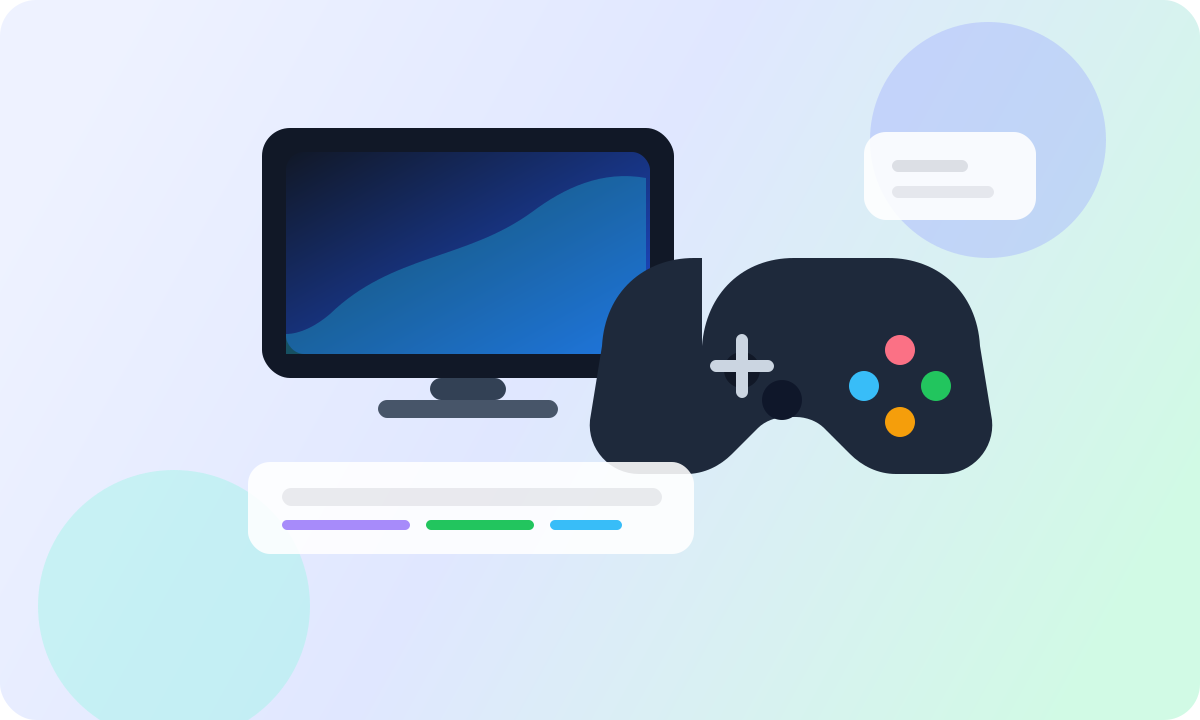
Controllers, mice, keyboards, and headsets shape the real feel of a gaming setup more than decorative lighting. If comfort or control is weak, the rest of the desk never feels fully finished.
Choose gear that keeps long sessions comfortable first. That gives immediate value without forcing a full setup rebuild.
Keep the desk visually calm
A cleaner desk is not only about aesthetics. When cables, chargers, and accessories each have a place, you spend less time resetting the setup before playing or working.
Even small habits, like using a controller stand or cable organizer, can make the whole space feel more premium.
Upgrade with intention
Good setups grow in layers. Buy the accessory that solves your biggest irritation first, then add the next one only after you feel the improvement.
That approach keeps your desk lighter, your budget more controlled, and your final setup far more usable.